Placement preview
Put your logo on it.
Pick a garment, drop your logo in, and move it until the placement looks right. Your file never leaves this browser. When you like it, download the preview and send it over for a quote.
Logo placement tool
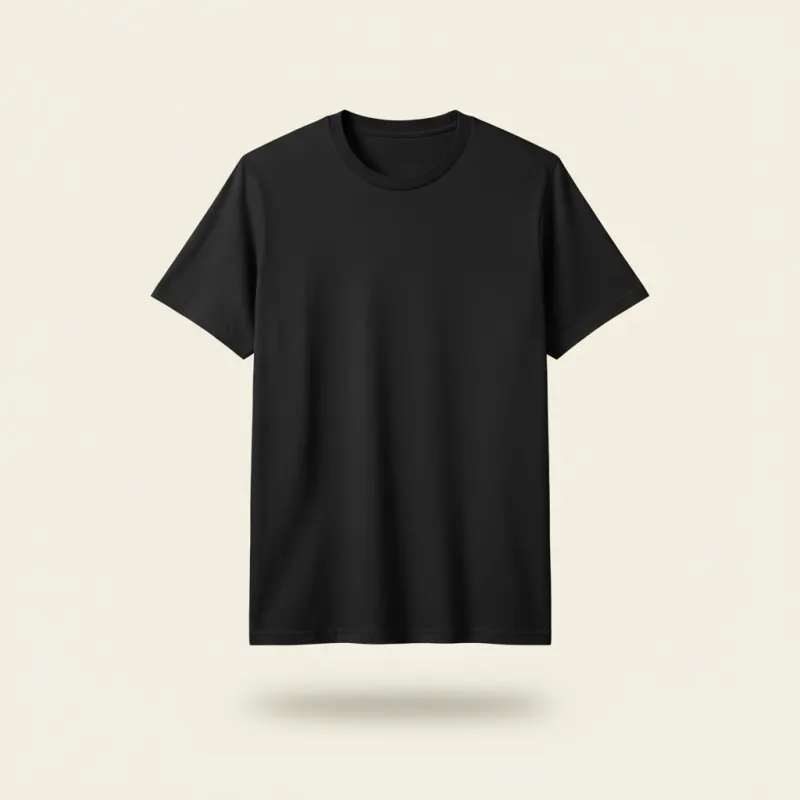

Drag the logo to move it. Scroll over it or use the size slider to resize. Once it is selected, the arrow keys nudge it.
Start here
Your logo stays on your device until you send it to us. This page has no upload, nothing is sent anywhere.
Pick a garment
Send it to us
Send the preview. Quote back within 24 hours.
What you made here is a placement sketch, not the final print file. Send it over and we come back with a production mockup and a quote. No minimum order.
Attach your preview and tell us quantity.
Call +374 99 249092 Write info@hayink.com
-
Place your logo
Pick the garment and the side, drop your logo in, then move and size it until the placement looks the way you want it produced.
-
Download the preview
One PNG of your logo on the garment, saved straight to your device. It shows placement and size, so we know exactly what you pictured.
-
Send it with the quantity
Telegram or email, whichever you already use. Tell us the quantity and the date you need it, and send the original logo file if you have a vector.
-
We quote and produce
Quote and a production mockup within 24 hours. Once you approve it, printed, embroidered, finished, and packed in our own studio in Yerevan, about 7 days as standard.